

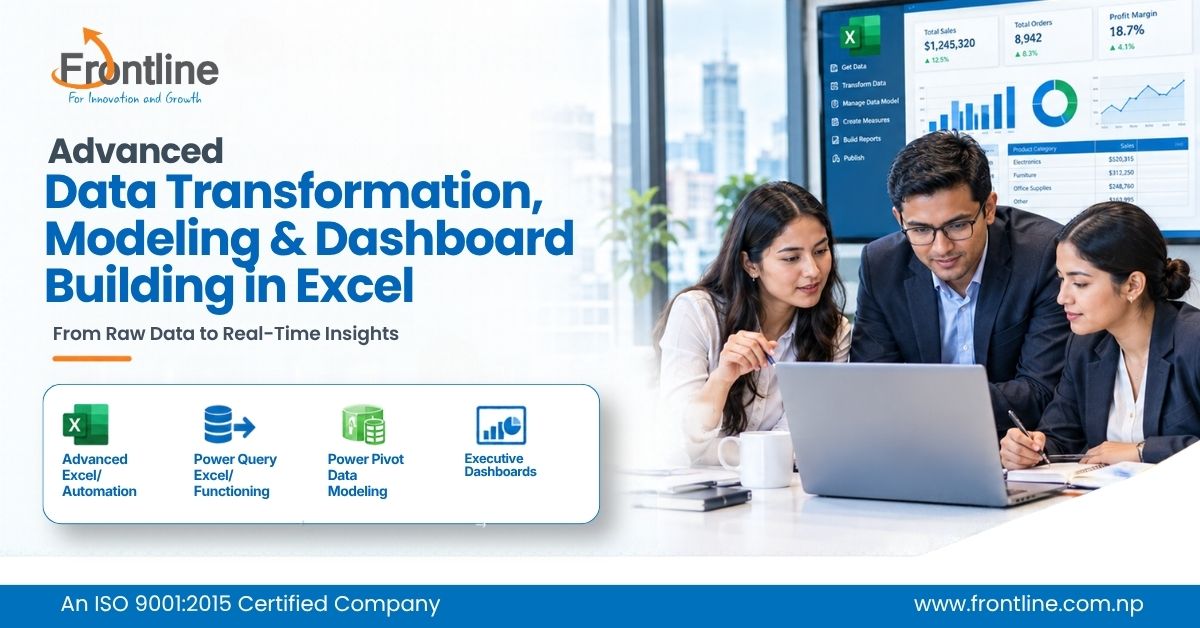
Advanced Data Transformation, Modeling & Dashboard Building in Excel
Advanced Data Transformation, Modeling & Dashboard Building in Excel
Course Overview
This intensive 2-day corporate training program is designed to equip professionals with advanced Excel functions, automated data transformation techniques using Power Query, relational data modeling with Power Pivot, and interactive executive dashboard development. The program focuses on heavy ETL automation, efficient data analysis, scalable reporting, and executive-level dashboard construction, with selective AI assistance for formula syntax and PivotTable layout optimization.
Over 14 hours of intensive training, participants will explore:
- Advanced Excel functions, modern lookup techniques, and dynamic formulas
- Data transformation and ETL automation using Power Query
- Relational data modeling and Star Schema using Power Pivot
- DAX measures and advanced PivotTable reporting
- Interactive executive dashboards and KPI visualization
- Selective AI usage for formula generation, debugging, and PivotTable layout assistance
- End-to-end practical project involving data transformation, modeling, and dashboard building
Learning Goals
- To equip participants with advanced Excel techniques, automated data transformation capabilities, relational data modeling skills, and executive dashboard development proficiency for efficient, accurate, and scalable business reporting.
Training Outlines
Day 1: Essential Formulas & Deep-Dive Power Query (ETL)
Focus: Mastering critical Excel functions and building automated data pipelines with Power Query.
Session 1: Must-Know Excel Functions & Dynamic Formulas
Objectives:
- Understand core Excel principles and essential functions.
- Apply modern lookup and reference functions for flexible data analysis.
- Perform conditional aggregations, logical operations, and text manipulation.
- Build efficient dynamic formulas and use AI assistance for formula syntax.
Topics Covered:
1. Modern Lookup & Reference Functions
- Excel Basics: Understand Core Excel Principles
- Introduction to Lookup Functions in Excel
- XLOOKUP & INDEX / XMATCH for multi-condition and flexible data lookups.
2. Conditional Aggregations & Math
- Multi-criteria analysis using SUMIFS, COUNTIFS, AVERAGEIFS, ROUND.
3. Logical & Text Manipulation
- Logic chains with IF, AND, OR, IFS, and SWITCH.
- Extracting & cleaning text string segments using LEFT, MID, RIGHT, LEN, FIND, Upper, Lower, Proper, and CONCATENATE
4. Dynamic Array Toolkit
- Dynamic formulas using FILTER, UNIQUE, SORT, and LET to keep formulas readable and fast.
5. Smart Prompting for Formula Syntax (Slight AI Usage)
- Using targeted prompts to convert plain-English business logic into complex nested formulas or debug syntax errors.
Session 2: Power Query Data Transformation (ETL Process)
Objectives:
- Connect to multiple external data sources.
- Clean, transform, and consolidate raw datasets.
- Build repeatable and automated ETL workflows.
Topics Covered:
1. Data Connection & Extraction
- Connecting directly to external files (CSV, Excel Workbooks, Web tables, and Folder repositories).
2. Core Transformation (ETL Operations)
- Cleaning messy header rows, unpivoting cross-tabulated reports, merging/appending datasets, and splitting delimited columns.
- Applying custom text capitalization, removing whitespace (TRIM/CLEAN), filtering nulls, and setting strict data types.
3. Automated Data Pipeline Refreshes
- Configuring background refreshes and building repeatable zero-touch ETL queries that process new data drop-ins automatically.
Day 2: Power Pivot Modelling, Pivot Reporting & Interactive Dashboards
Focus: Building relational data models, creating DAX measures, and designing executive dashboards.
Session 1: Data Modelling with Power Pivot & Advanced Reporting
Objectives:
- Build relational data models using Power Pivot.
- Establish relationships between transaction and dimension tables.
- Create DAX measures for advanced business analysis.
- Develop advanced PivotTable reports for management decision-making.
Topics Covered:
1. Data Modelling & Star Schema
- Loading Power Query datasets directly into the Data Model.
- Creating One-to-Many relationships between transaction tables and dimension tables (eliminating lookup formulas).
2. DAX (Data Analysis Expressions) Essentials
- Creating explicit measures using SUM, CALCULATE, ALL, and Time Intelligence functions (SAMEPERIODLASTYEAR, DATEADD).
3. Advanced PivotTable Reporting
- Multi-level row/column groupings, custom value field display (% of Parent Row, Running Total), and calculated fields.
4. AI Assistance in Pivot Reporting (Slight AI Usage)
- Prompting AI to suggest ideal field arrangements, slice-and-dice layouts, and rapid KPI reporting structures.
Session 2: Interactive Executive Dashboards & Practical Project
Objectives:
- Design professional executive dashboards using effective visual layouts.
- Develop dynamic KPI cards and interactive reporting controls.
- Integrate PivotTables, Pivot charts, slicers, and timelines.
- Apply learning through an end-to-end practical project.
Topics Covered:
1. Dashboard Architecture & UI/UX Best Practices
- Spatial layout hierarchy, visual noise reduction, grid alignments, and color palette strategy for executives.
- Dynamic KPI cards using custom number formatting, KPI indicators, and conditional formatting rules.
2. Interactive Control Hub
- Inserting unified Slicers and Timelines connected across multiple Pivot charts and tables.
- Dynamic chart titles linked to cell values and custom interactive visual filters.
3. Project
- End-to-end practical project: Transforming multi-source raw files via Power Query, building a Power Pivot model, and publishing a finished interactive dashboard.
Training Details
- Date: 27th -28th November (Friday-Saturday) 2026
- Location: Kathmandu
- Duration: 2 Days | 7 Hours/Day | Total: 14 Hours
- Schedule: 10:00 AM – 5:00 PM per day (9:30 AM – 10:00 AM Registration & Refreshments)
- Target Audience: Data analysts, financial professionals, and department leads seeking heavy ETL automation, data modeling, and executive dashboard construction.
- Core Focus: In-depth Power Query ETL operations, core functional logic in Excel, Power Pivot relational reporting, interactive executive dashboards, and selective AI usage for formula syntax and Pivot layout assistance.
Deliverables
- Intensive hands-on corporate training covering advanced Excel, Power Query, Power Pivot, and dashboard development.
- Practical exercises in data transformation, modeling, and reporting.
- End-to-end practical project using multi-source raw files.
- Interactive executive dashboard developed during the workshop.
For Queries
Contact No: 9801085897 / 9801898004
Email: services@frontline.com.np
Website: www.frontline.com.np